
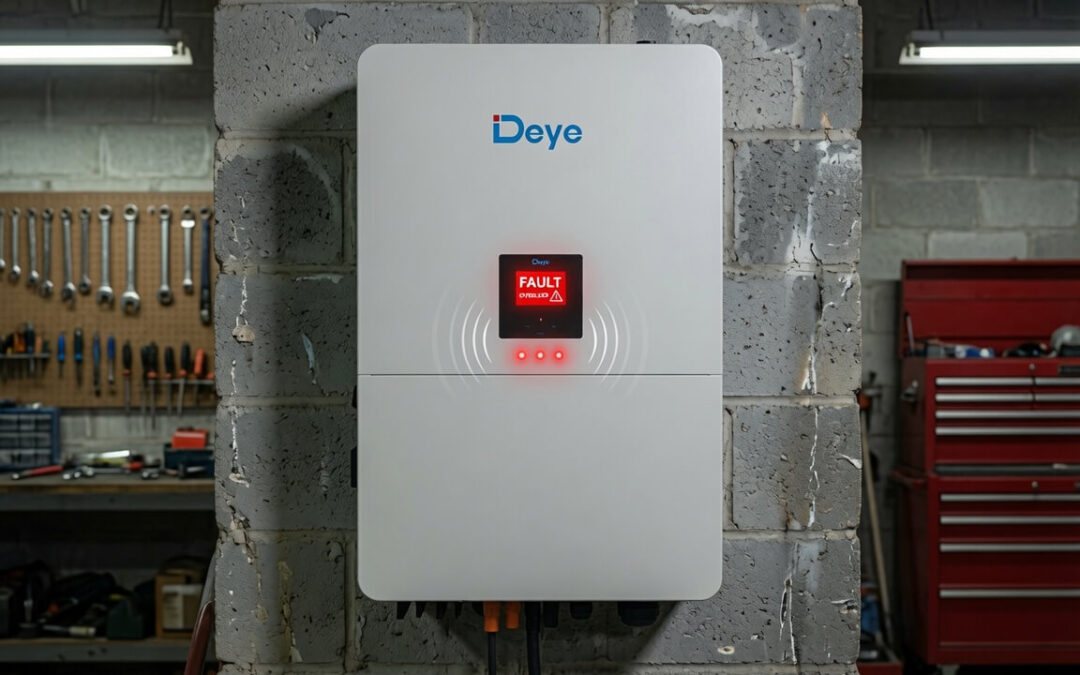
Your inverter beeps, the screen flashes a number, and suddenly the house is quiet. Don’t panic. That number is the inverter telling you exactly what’s wrong. Understanding the most common error codes is the difference between fixing the problem yourself in two minutes and sitting in the dark waiting for a technician.
Let’s break down the errors we see most often, what they mean, and what you should do.
Error 04: Battery voltage low
This is the most common error in Zimbabwe, especially during long ZESA cuts or cloudy weeks. Your battery has been drained below its safe limit and the inverter has shut down to protect it.
What to do:
- Immediately reduce your load. Switch off your load, usually when a solar is installed there is an AC out or Load breaker in the solar DB box. Trip that breaker.
- Check if the battery is charging. If it’s daytime, confirm the PV isolator is on and the screen shows solar coming in. If ZESA is available, make sure the AC input breaker is up so the inverter can charge from the grid.
- Wait for the battery to recover. Once it charges above the cut-off level, the inverter will switch back on by itself.
- If this happens every night, your battery may be too small for your usage, or a battery cell may be failing. That’s when you talk to us about a battery health check.
Example: If you run a fridge, TV, and lights overnight on a small battery, you may wake up to Error 04 at 4am. The fix isn’t a new inverter, it’s either shifting your usage or adding battery capacity.
Error 02: Over temperature
The inverter is too hot. This usually happens on hot afternoons, when the inverter is installed in a closed cabinet, or when the fan vents are blocked by dust.
What to do:
- Switch off heavy loads and let the inverter cool for 15 to 30 minutes.
- Check that nothing is blocking the vents and that the fan is spinning.
- Dust the vents gently. Harare dust is a slow killer of inverters.
- If the room itself is hot, consider relocating the inverter to a cooler, ventilated spot. This is a quick job for our technicians.
Error 07: Overload
You are trying to run more watts than the inverter can supply. A 3kW inverter simply cannot run a 2,200W kettle and a 1,000W iron at the same time.
What to do:
- Switch off the appliance you turned on last. The beeping usually stops immediately.
- Restart the inverter if it has shut down: switch it off, wait 10 seconds, switch it on.
- Learn your limits. Add up the watts of what you run together, exactly as we explained in our article on solar terms. If overloads happen weekly, your household has outgrown the inverter and it may be time to upgrade to 5kW.
Error 05: Output short circuit
Something plugged into your system has a fault, like a damaged cable, a faulty appliance, or water in a socket.
What to do:
- Unplug or switch off everything on the inverter output.
- Restart the inverter. If the error clears, plug appliances back in one at a time until you find the culprit.
- If the error appears with everything unplugged, do not keep restarting it. Call a technician, because the fault may be in the wiring.
Error 03: Battery voltage high
The battery is being overcharged. This often points to wrong charging settings, for example the inverter set for a different battery type than what’s installed.
What to do:
- Switch off the charger source (ZESA input or PV) and let the battery settle.
- Do not ignore this one. Overcharging damages batteries permanently, and lithium batteries especially need correct settings.
- Have a technician confirm your charge voltage settings match your battery specification. This is a five-minute fix that can save you a $1,500 battery.
Error 01: Fan lock
The cooling fan is jammed or has failed. Dust and insects are the usual suspects.
What to do:
- Switch off the inverter and check if the fan blades spin freely.
- Clean out dust if you can see the fan through the vents.
- If the fan does not spin when the inverter runs, book a fan replacement. Running an inverter with a dead fan leads straight to Error 02 and a shortened lifespan.
Warning bP or Error 56: Battery not connected
The inverter cannot see the battery. Either a breaker has tripped, a terminal is loose, or the battery has shut itself down (lithium batteries do this to protect themselves).
What to do:
- Check the battery breaker or isolator between the battery and inverter and switch it back on.
- For lithium batteries, press the battery’s own power button to wake it up.
- If it keeps disconnecting, the battery’s protection system is tripping for a reason. Get it checked before assuming the battery is dead.
The golden rules for any error
- Record the error number before doing anything. It’s the first thing our technicians will ask for.
- Reduce the load first. Half of all inverter problems are solved by switching off the kettle and iron.
- Try one clean restart: off, wait 10 seconds, on. If the same error returns twice, stop restarting and get help. Repeated forced restarts can turn a small problem into an expensive one.
- Never open the inverter yourself. There is lethal voltage inside even when it’s switched off.
Is your inverter showing an error we haven’t covered? Send the error number and a photo of your screen to our technicians on WhatsApp for free support.